明星3缺1 2002 CD版
You are using the Safari browser. Only Safari on the latest macOS Sequoia 15.4.1 or iOS 18.4.1 is supported for proper functionality.
You are using the Firefox browser. Only the latest version of Firefox is supported.
Please enter 'about:config' in the Firefox browser, then search for 'javascript.options.wasm_js_promise_integration', set its value to true, and refresh this page to achieve optimal performance.
Please enter 'about:config' in the Firefox browser, then search for 'javascript.options.wasm_js_promise_integration', set its value to true, and refresh this page to achieve optimal performance.
Please install and use the latest version of Chrome or Edge for the best experience.
Mobile device browsers are not supported due to memory limitation.
Your browser storage quota is low and you may not be able to load the game correctly.
Usage: Available:
Usage: Available:
To help us improve, please disable ad blocker for our site. Start game in seconds.
Become a Gold Member to enjoy an ad-free experience, unlock cloud saving, and help us to improve.
Some animated ads may impact game performance. If the game becomes choppy, please close the ads.
Some animated ads may impact game performance. If the game becomes choppy, please close the ads.
Loading...
🛈Windows games require the latest desktop CPUs for optimal experience. See the help page for more details.
明星3缺1 2002 CD版 (2002)
Celebrity 3 Missing 1 2002
鈊象电子

Play
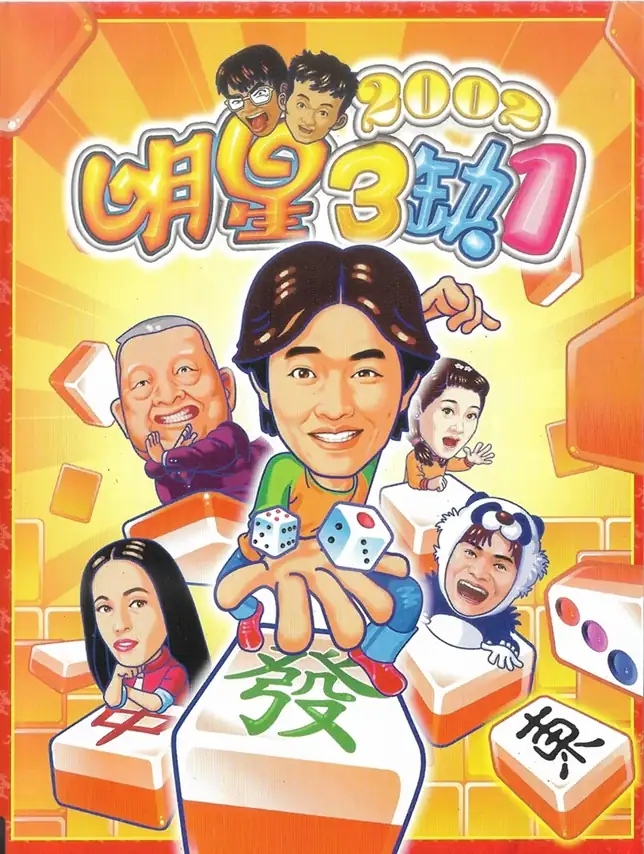
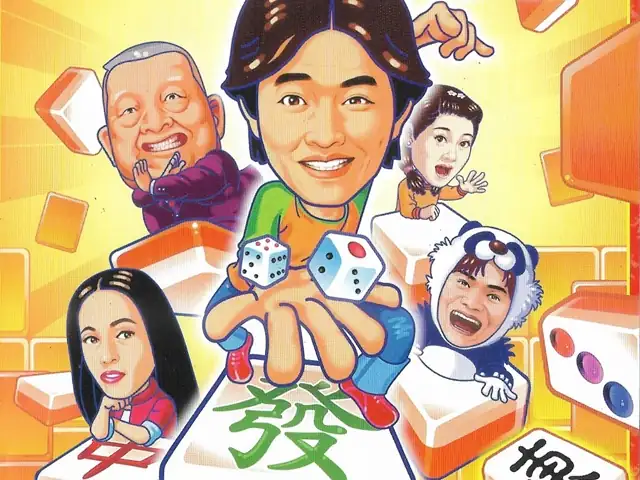
明星三缺一2002是一款主打“跟明星同桌搓麻将”的电脑麻将游戏:把当年台港演艺圈熟脸做成夸张的漫画头像,并由明星本人配音,整局牌听起来像在看综艺互呛——轻松、吵闹、很有年代感。2002版主打两岸三地同步铺货,并强调把单机的热闹感延伸到连线对局:你可以在家里跟电脑打,也能用局域网或互联网配对真人对战。
玩法保持简单:核心就是麻将对战,支持台湾16张与广东13张两种模式,并提供多种规则/底台设置。除了常规对战,还加入更“闯关感”的模式:例如**“赌神魔戒”**把“大富翁式掷骰走格子”与“指定牌型胡牌”结合在一起,让你不是只求赢一把,而是要按关卡要求完成目标(不涉及剧情反转,不会剧透)。
Upload Save File
Upload save file will orverwrite current progress and restart, do you wish to continue?
Warning
Welcome
Welcome to playing retro Windows games in your browser! To ensure your game saves properly, please exit the game and wait for Windows to shut down completely. Make sure you see the "It is now safe to turn off your computer" message before using the save functions to avoid potential disk corruption.
To save disk changes made by the game, you must manually use the following save functions:
 Save to cloud (Gold member only).
 Save to local browser storage.
 Save and download the save file.
To save disk changes made by the game, you must manually use the following save functions:
Save to cloud (Gold member only). Save to local browser storage. Save and download the save file. Don't show this again.