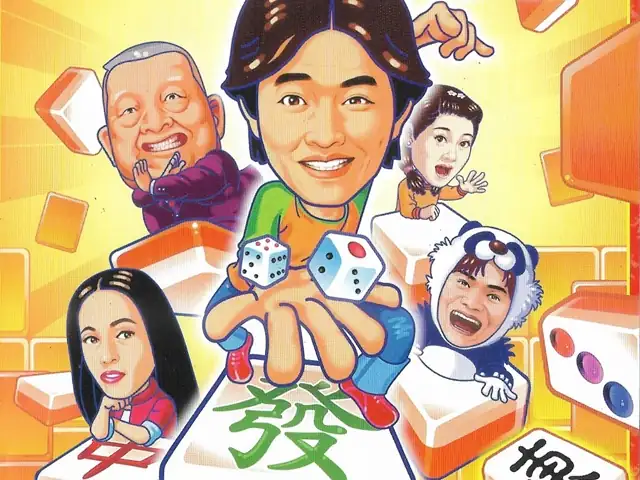
明星3缺1 2002
You are using the Safari browser. Only Safari on the latest macOS Sequoia 15.4.1 or iOS 18.4.1 is supported for proper functionality.
You are using the Firefox browser. Only the latest version of Firefox is supported.
Please enter 'about:config' in the Firefox browser, then search for 'javascript.options.wasm_js_promise_integration', set its value to true, and refresh this page to achieve optimal performance.
Please enter 'about:config' in the Firefox browser, then search for 'javascript.options.wasm_js_promise_integration', set its value to true, and refresh this page to achieve optimal performance.
Please install and use the latest version of Chrome or Edge for the best experience.
Mobile device browsers are not supported due to memory limitation.
Your browser storage quota is low and you may not be able to load the game correctly.
Usage: Available:
Usage: Available:
To help us improve, please disable ad blocker for our site. Start game in seconds.
Become a Gold Member to enjoy an ad-free experience, unlock cloud saving, and help us to improve.
Some animated ads may impact game performance. If the game becomes choppy, please close the ads.
Some animated ads may impact game performance. If the game becomes choppy, please close the ads.
Loading...
🛈Windows games require the latest desktop CPUs for optimal experience. See the help page for more details.
明星3缺1 2002 (2002)
Celebrity 3 Missing 1 2002
鈊象电子

Play
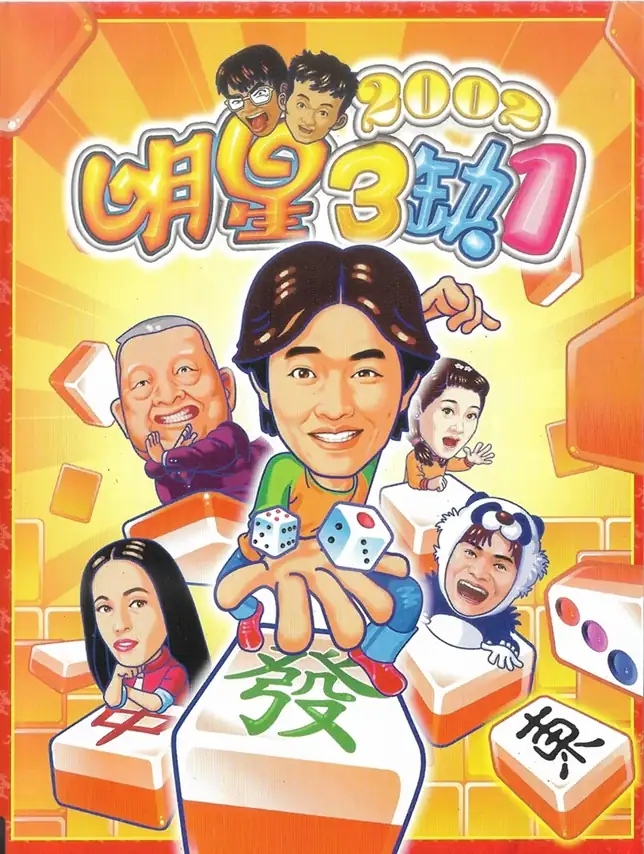
『明星3缺1 2002』は、台湾のゲーム会社 鈊象電子股份有限公司 が手がけたPC麻雀ゲームのシリーズ作品。最大の特徴は、芸能人をカートゥーン調にデフォルメしたキャラクターと、本人(または番組的演出を意識した)ボイスで“賑やかな卓”を作るところ。発表当時は 智冠科技股份有限公司 が代理発行し、単機だけでなくLAN/インターネット対戦にも対応する点が強調されました。
遊び方はシンプルで、台湾16張・広東13張のルールを選んで対局。加えて「賭神魔戒」のように、サイコロで進み“指定役でアガる”ことを要求するボードゲーム風モードもあり、麻雀スキル+課題達成で進む構成になっています。
Upload Save File
Upload save file will orverwrite current progress and restart, do you wish to continue?
Warning
Welcome
Welcome to playing retro Windows games in your browser! To ensure your game saves properly, please exit the game and wait for Windows to shut down completely. Make sure you see the "It is now safe to turn off your computer" message before using the save functions to avoid potential disk corruption.
To save disk changes made by the game, you must manually use the following save functions:
 Save to cloud (Gold member only).
 Save to local browser storage.
 Save and download the save file.
To save disk changes made by the game, you must manually use the following save functions:
Save to cloud (Gold member only). Save to local browser storage. Save and download the save file. Don't show this again.