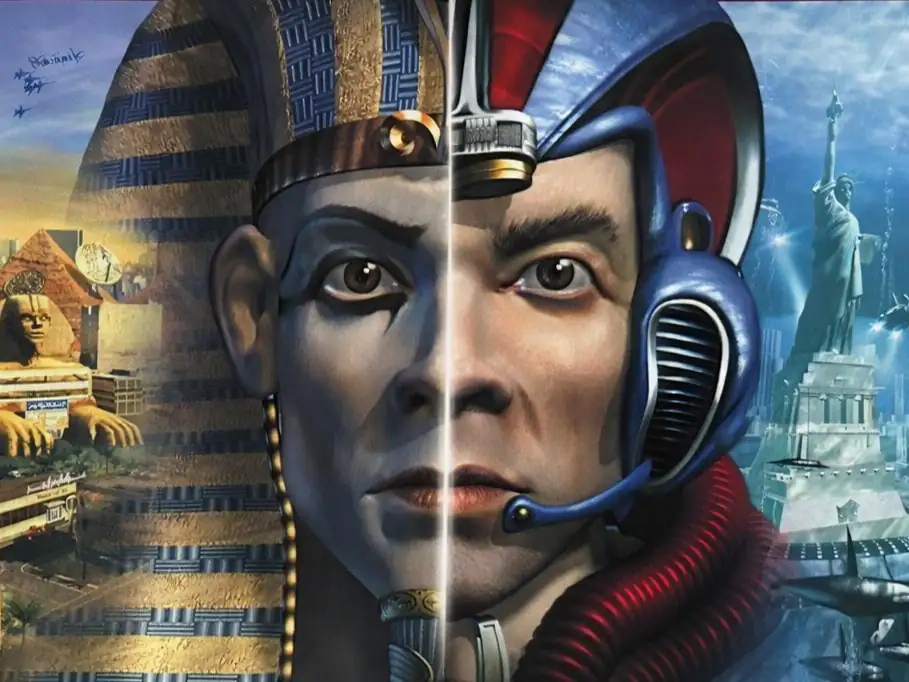
文明帝國:權傾天下II 繁體中文CD版
You are using the Safari browser. Only Safari on the latest macOS Sequoia 15.4.1 or iOS 18.4.1 is supported for proper functionality.
You are using the Firefox browser. Only the latest version of Firefox is supported.
Please enter 'about:config' in the Firefox browser, then search for 'javascript.options.wasm_js_promise_integration', set its value to true, and refresh this page to achieve optimal performance.
Please enter 'about:config' in the Firefox browser, then search for 'javascript.options.wasm_js_promise_integration', set its value to true, and refresh this page to achieve optimal performance.
Please install and use the latest version of Chrome or Edge for the best experience.
Mobile device browsers are not supported due to memory limitation.
Your browser storage quota is low and you may not be able to load the game correctly.
Usage: Available:
Usage: Available:
To help us improve, please disable ad blocker for our site. Start game in seconds.
Become a Gold Member to enjoy an ad-free experience, unlock cloud saving, and help us to improve.
Some animated ads may impact game performance. If the game becomes choppy, please close the ads.
Some animated ads may impact game performance. If the game becomes choppy, please close the ads.
Loading...
🛈Windows games require the latest desktop CPUs for optimal experience. See the help page for more details.
文明帝國:權傾天下II 繁體中文CD版 (2000)
Call to Power II (Chinese)
Activision

Play
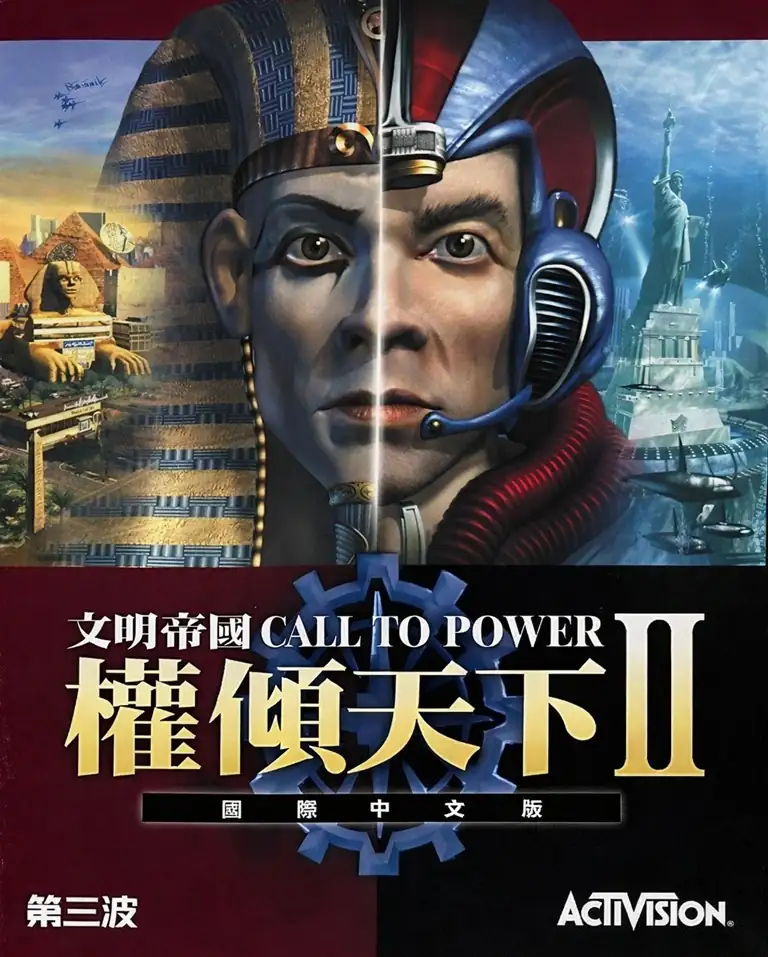
這是一款“用系統講故事”的帝國史:你不會被劇本推著走,而是透過開拓、制度、外交與戰爭,讓文明在 6000 多年的跨度裡長成你想要的樣子。它很擅長呈現文明治理的兩難——擴張帶來資源與疆域,但也帶來邊境摩擦、治安負擔與環境代價;和平能換到發展窗口,但也可能被對手的科技爆發或外交佈局改寫局勢。玩到後期,你會感覺自己像在調度一個“活著的世界”。
回合制 4X 的核心很直覺:建城、研發、外交/作戰。特色在於:
年代從 紀元前 4000 年一路走到西元 2300 年,把“未來”真正納入終局博弈。
**公共工程(Public Works)**集中管理地塊改良,減少繁瑣微操。
更重視污染與全球暖化/海平面變化這類長期後果,外交也能圍繞此議題形成協定。
勝利目標包含征服、永久同盟的和平勝利、科技胜利与高分胜利。
Upload Save File
Upload save file will orverwrite current progress and restart, do you wish to continue?
Warning
Welcome
Welcome to playing retro Windows games in your browser! To ensure your game saves properly, please exit the game and wait for Windows to shut down completely. Make sure you see the "It is now safe to turn off your computer" message before using the save functions to avoid potential disk corruption.
To save disk changes made by the game, you must manually use the following save functions:
 Save to cloud (Gold member only).
 Save to local browser storage.
 Save and download the save file.
To save disk changes made by the game, you must manually use the following save functions:
Save to cloud (Gold member only). Save to local browser storage. Save and download the save file. Don't show this again.