文明帝國之權傾天下 繁體中文CD版
You are using the Safari browser. Only Safari on the latest macOS Sequoia 15.4.1 or iOS 18.4.1 is supported for proper functionality.
You are using the Firefox browser. Only the latest version of Firefox is supported.
Please enter 'about:config' in the Firefox browser, then search for 'javascript.options.wasm_js_promise_integration', set its value to true, and refresh this page to achieve optimal performance.
Please enter 'about:config' in the Firefox browser, then search for 'javascript.options.wasm_js_promise_integration', set its value to true, and refresh this page to achieve optimal performance.
Please install and use the latest version of Chrome or Edge for the best experience.
Mobile device browsers are not supported due to memory limitation.
Your browser storage quota is low and you may not be able to load the game correctly.
Usage: Available:
Usage: Available:
To help us improve, please disable ad blocker for our site. Start game in seconds.
Become a Gold Member to enjoy an ad-free experience, unlock cloud saving, and help us to improve.
Some animated ads may impact game performance. If the game becomes choppy, please close the ads.
Some animated ads may impact game performance. If the game becomes choppy, please close the ads.
Loading...
🛈Windows games require the latest desktop CPUs for optimal experience. See the help page for more details.
文明帝國之權傾天下 繁體中文CD版 (1999)
Civilization: Call to Power (Chinese)
Activision

Play
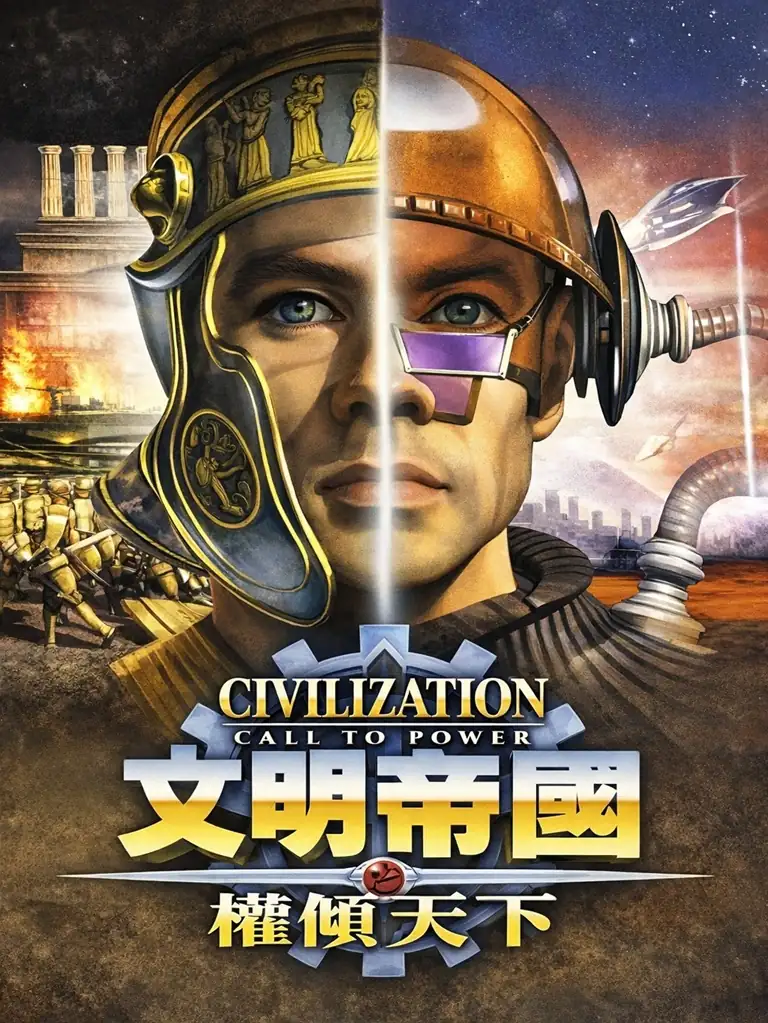
《權傾天下》常被視為介於《文明帝國 II》與《文明帝國 III》之間、風格更“敢衝”的一支:它仍是回合制文明經營,但敘事感更像一部跨越千年的文明編年史——你從上古一路推進到更遙遠的未來,文明不只是“走到現代就結束”,而是把科技、社會、戰爭與價值選擇延伸到後人類味更濃的時代。
玩法面簡單抓重點:擴張、科研、外交、戰爭依舊是核心;但本作加入更完整的海洋/太空殖民(海底城市、太空殖民地等),以及更具壓力的污染與環境災害系統,讓“快速工業化”不再只有好處。勝利條件也提供多條路線,適合喜歡用不同手段打造帝國的人。
Upload Save File
Upload save file will orverwrite current progress and restart, do you wish to continue?
Warning
Welcome
Welcome to playing retro Windows games in your browser! To ensure your game saves properly, please exit the game and wait for Windows to shut down completely. Make sure you see the "It is now safe to turn off your computer" message before using the save functions to avoid potential disk corruption.
To save disk changes made by the game, you must manually use the following save functions:
 Save to cloud (Gold member only).
 Save to local browser storage.
 Save and download the save file.
To save disk changes made by the game, you must manually use the following save functions:
Save to cloud (Gold member only). Save to local browser storage. Save and download the save file. Don't show this again.