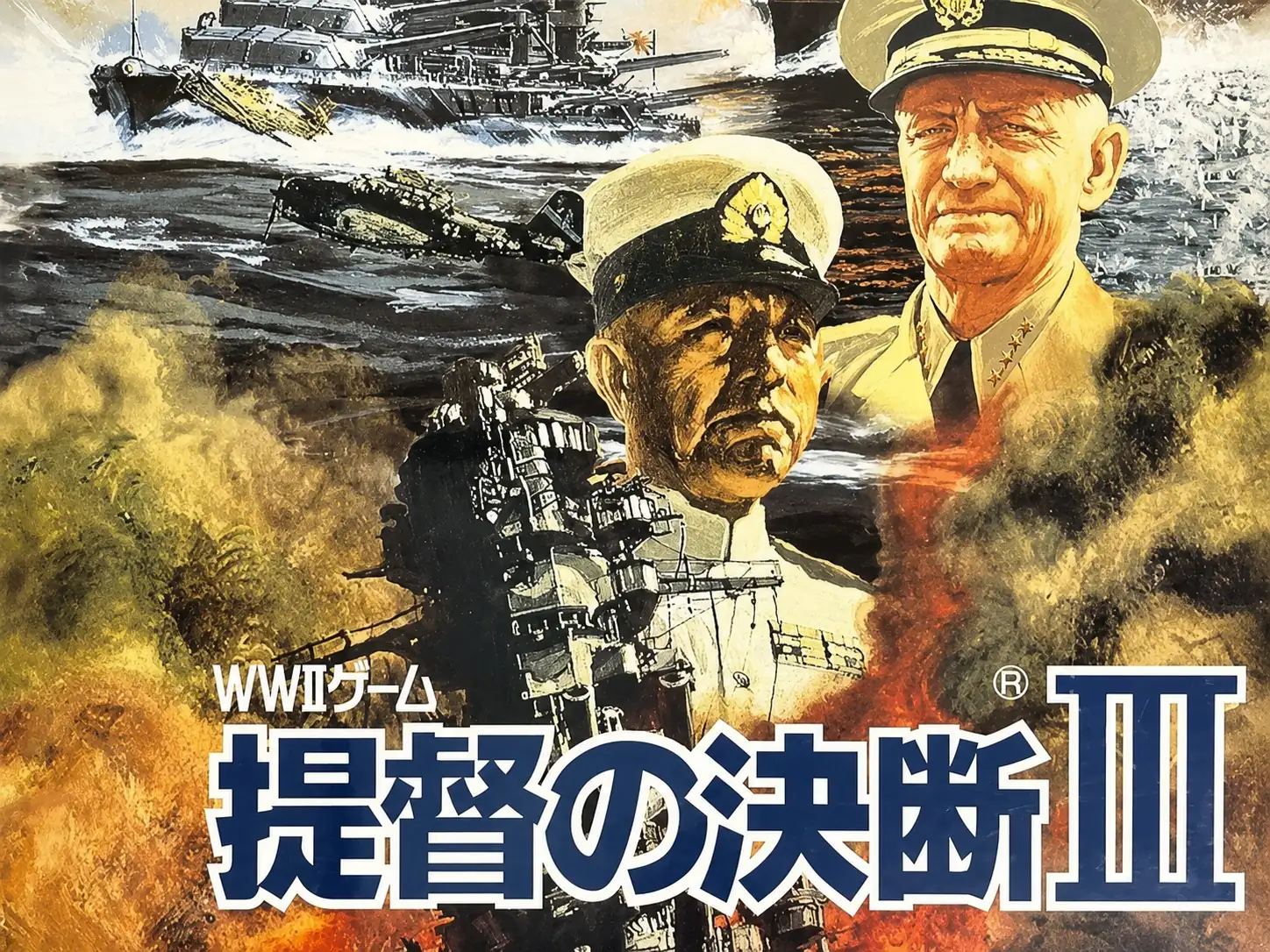
提督之決斷III 日語CD版
You are using the Safari browser. Only Safari on the latest macOS Sequoia 15.4.1 or iOS 18.4.1 is supported for proper functionality.
You are using the Firefox browser. Only the latest version of Firefox is supported.
Please enter 'about:config' in the Firefox browser, then search for 'javascript.options.wasm_js_promise_integration', set its value to true, and refresh this page to achieve optimal performance.
Please enter 'about:config' in the Firefox browser, then search for 'javascript.options.wasm_js_promise_integration', set its value to true, and refresh this page to achieve optimal performance.
Please install and use the latest version of Chrome or Edge for the best experience.
Mobile device browsers are not supported due to memory limitation.
Your browser storage quota is low and you may not be able to load the game correctly.
Usage: Available:
Usage: Available:
To help us improve, please disable ad blocker for our site. Start game in seconds.
Become a Gold Member to enjoy an ad-free experience, unlock cloud saving, and help us to improve.
Some animated ads may impact game performance. If the game becomes choppy, please close the ads.
Some animated ads may impact game performance. If the game becomes choppy, please close the ads.
Loading...
🛈Windows games require the latest desktop CPUs for optimal experience. See the help page for more details.
提督之決斷III 日語CD版 (1996)
Teitoku no Ketsudan III
KOEI

Play
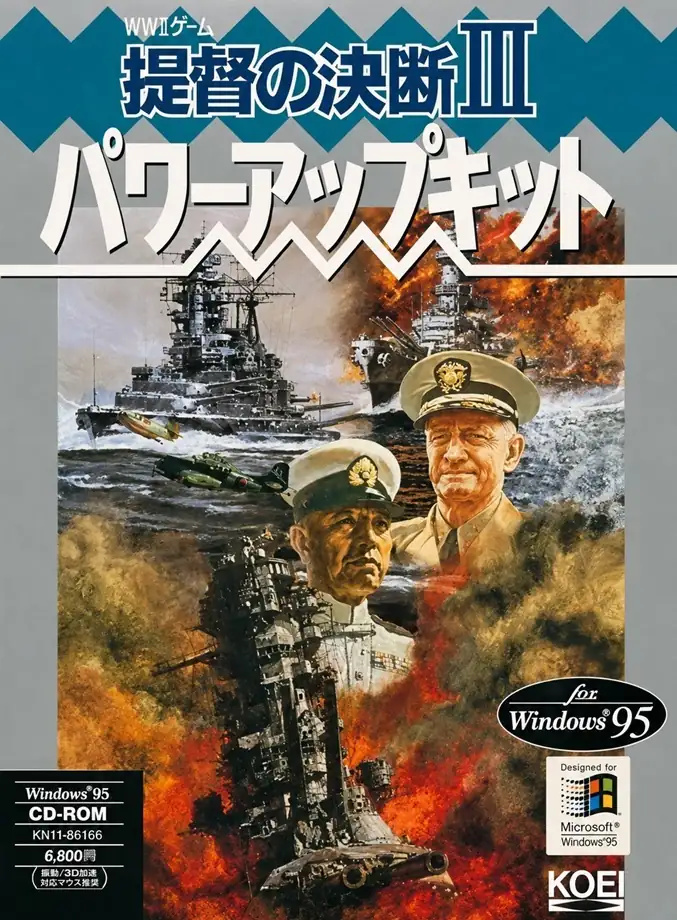
《提督之決斷III》是一款以第二次世界大戰太平洋戰場為背景的海戰戰略模擬遊戲,也是光榮「提督之決斷」系列的第三部作品。遊戲並不只著重於單場海戰的勝負,而是讓玩家站在更高層次的指揮位置,從整體戰局出發思考艦隊調度、基地運作、兵器研發與戰區推進。和偏重局部戰術操作的作品相比,本作更強調長線規劃與全局經營,因此整體玩感會更接近一款需要耐心推演的大型戰略模擬。
在玩法內容上,玩家可以從不同陣營的角度切入,於 1941 年起始的主要戰局框架中逐步展開作戰,同時也能遊玩多個以特定歷史海戰為藍本的短篇情境。根據官方產品頁,本作除了海戰本身,還加入了原創提督、艦艇改裝、新型艦船設計與新型航空機研發等系統,並收錄約 200 種艦船、100 種航空機、20 種戰車。這使遊戲不只是單純地排兵布陣,而是需要一邊兼顧前線部署,一邊處理後方資源、兵器升級與整體軍事規劃。
本作最有代表性的地方,在於它把海上艦隊、空中兵力與整體戰區經營感整合得相當明顯,讓玩家感受到自己像是在管理一整個大型作戰體系,而不是只操作某幾艘艦船作戰。它的樂趣主要來自局勢判斷、戰力分配、技術發展與長期決策的累積效果,因此特別適合喜歡歷史戰略、系統深度與多層次模擬玩法的玩家。也正因如此,《提督之決斷III》至今仍常被視為光榮早期戰爭模擬作品中相當具有代表性的一部。
Upload Save File
Upload save file will orverwrite current progress and restart, do you wish to continue?
Warning
Welcome
Welcome to playing retro Windows games in your browser! To ensure your game saves properly, please exit the game and wait for Windows to shut down completely. Make sure you see the "It is now safe to turn off your computer" message before using the save functions to avoid potential disk corruption.
To save disk changes made by the game, you must manually use the following save functions:
 Save to cloud (Gold member only).
 Save to local browser storage.
 Save and download the save file.
To save disk changes made by the game, you must manually use the following save functions:
Save to cloud (Gold member only). Save to local browser storage. Save and download the save file. Don't show this again.