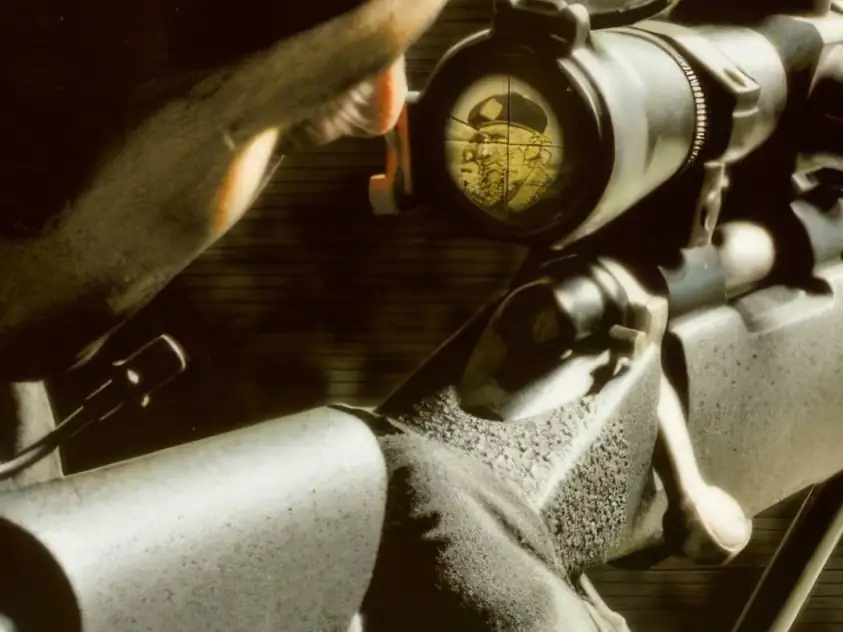
傭兵戰場 CD版
You are using the Safari browser. Only Safari on the latest macOS Sequoia 15.4.1 or iOS 18.4.1 is supported for proper functionality.
You are using the Firefox browser. Only the latest version of Firefox is supported.
Please enter 'about:config' in the Firefox browser, then search for 'javascript.options.wasm_js_promise_integration', set its value to true, and refresh this page to achieve optimal performance.
Please enter 'about:config' in the Firefox browser, then search for 'javascript.options.wasm_js_promise_integration', set its value to true, and refresh this page to achieve optimal performance.
Please install and use the latest version of Chrome or Edge for the best experience.
Mobile device browsers are not supported due to memory limitation.
Your browser storage quota is low and you may not be able to load the game correctly.
Usage: Available:
Usage: Available:
To help us improve, please disable ad blocker for our site. Start game in seconds.
Become a Gold Member to enjoy an ad-free experience, unlock cloud saving, and help us to improve.
Some animated ads may impact game performance. If the game becomes choppy, please close the ads.
Some animated ads may impact game performance. If the game becomes choppy, please close the ads.
Loading...
🛈Windows games require the latest desktop CPUs for optimal experience. See the help page for more details.
傭兵戰場 CD版 (2000)
Soldier of Fortune
Raven Software

Play
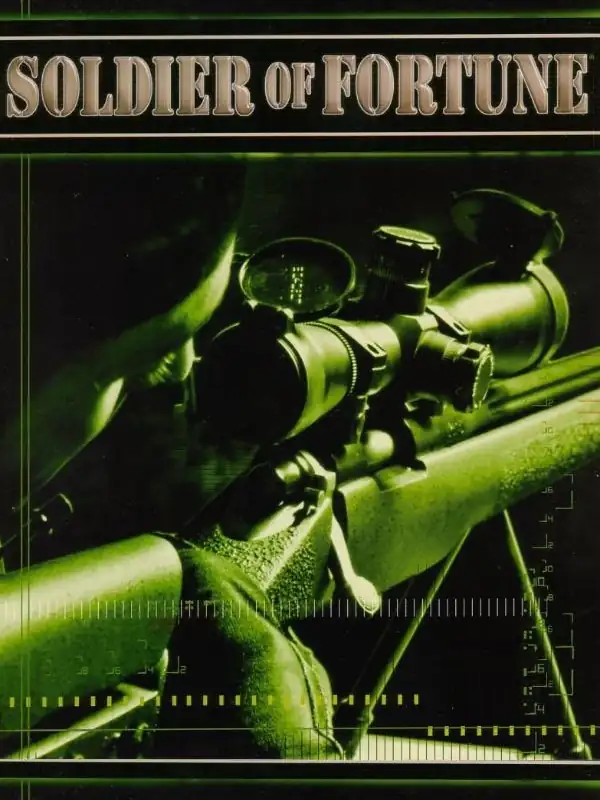
《傭兵戰場》是一款把你丟進“真實世界危機地帶”的硬派 FPS:你以傭兵/顧問身分參與反恐與清剿行動,任務跨越不同國家與軍事場景,重點是行動節奏的壓迫感——情資更新、路線推進、交戰與撤離都講求效率。敘事更像一連串軍事行動的串接:你做的不是拯救世界的英雄夢,而是一次又一次高風險任務堆疊出的戰地經歷。
第一人稱射擊、關卡式推進;武器偏寫實,打擊回饋系統在當年相當有名。提供單人與多人模式;另有後續加強版(Gold/Platinum 等版本名)在內容與多人要素上做擴充。
Upload Save File
Upload save file will orverwrite current progress and restart, do you wish to continue?
Warning
Welcome
Welcome to playing retro Windows games in your browser! To ensure your game saves properly, please exit the game and wait for Windows to shut down completely. Make sure you see the "It is now safe to turn off your computer" message before using the save functions to avoid potential disk corruption.
To save disk changes made by the game, you must manually use the following save functions:
 Save to cloud (Gold member only).
 Save to local browser storage.
 Save and download the save file.
To save disk changes made by the game, you must manually use the following save functions:
Save to cloud (Gold member only). Save to local browser storage. Save and download the save file. Don't show this again.