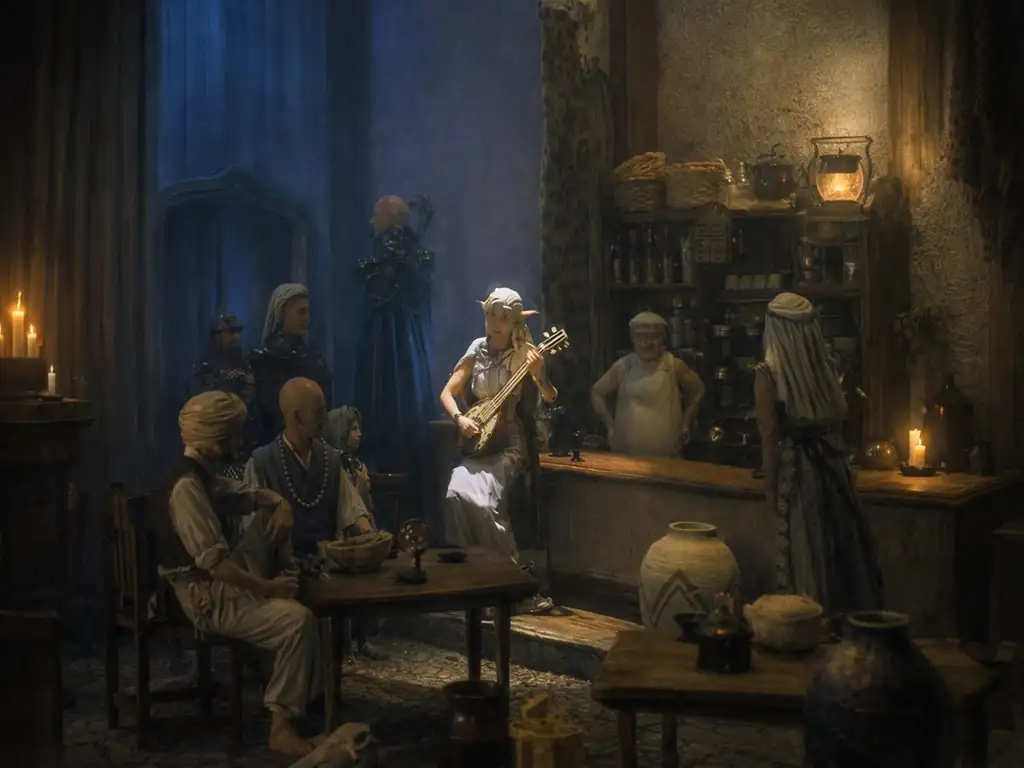
俠客遊:未來之書 繁體中文CD版
You are using the Safari browser. Only Safari on the latest macOS Sequoia 15.4.1 or iOS 18.4.1 is supported for proper functionality.
You are using the Firefox browser. Only the latest version of Firefox is supported.
Please enter 'about:config' in the Firefox browser, then search for 'javascript.options.wasm_js_promise_integration', set its value to true, and refresh this page to achieve optimal performance.
Please enter 'about:config' in the Firefox browser, then search for 'javascript.options.wasm_js_promise_integration', set its value to true, and refresh this page to achieve optimal performance.
Please install and use the latest version of Chrome or Edge for the best experience.
Mobile device browsers are not supported due to memory limitation.
Your browser storage quota is low and you may not be able to load the game correctly.
Usage: Available:
Usage: Available:
To help us improve, please disable ad blocker for our site. Start game in seconds.
Become a Gold Member to enjoy an ad-free experience, unlock cloud saving, and help us to improve.
Some animated ads may impact game performance. If the game becomes choppy, please close the ads.
Some animated ads may impact game performance. If the game becomes choppy, please close the ads.
Loading...
🛈Windows games require the latest desktop CPUs for optimal experience. See the help page for more details.
俠客遊:未來之書 繁體中文CD版 (1998)
Lunatic Dawn: The Book of Futures (Chinese)
Artdink

Play
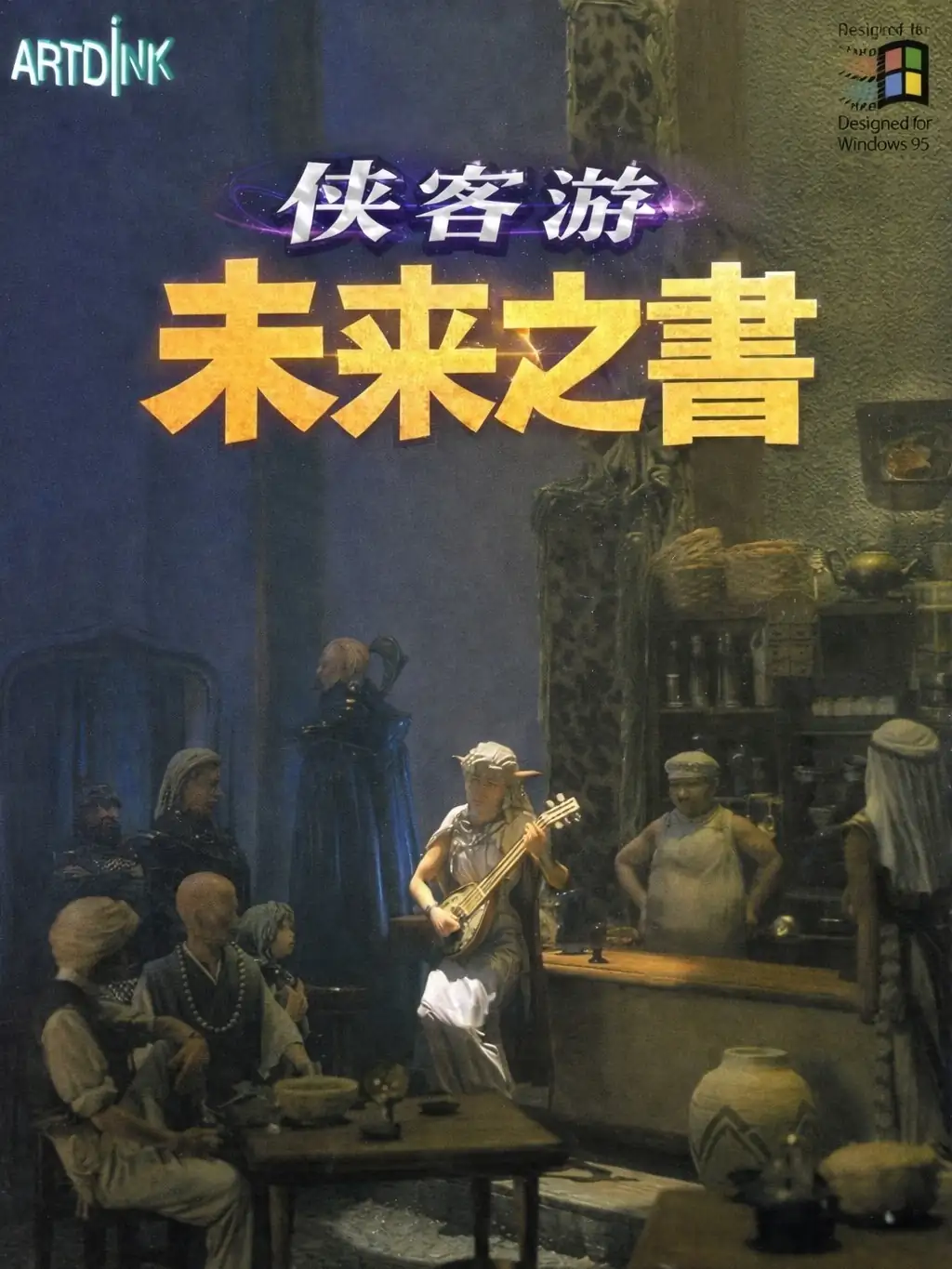
《俠客遊:未來之書》更像一段“冒險者人生”的紀行:你行走於多座城鎮與其周邊勢力之間,從委託、傳聞、衝突與人情往來中,逐步拼出自己的立場與名聲。它不是靠單一主線爆點取勝,而是以“世界局勢與人際網絡”帶出故事張力——不同地區的氛圍、勢力的角力、以及你在其中做出的選擇,會讓每次旅程都長得不太一樣。
玩法面不用鑽太深:選路旅行 → 城鎮整備 → 出任務/探索即可。日文原作是 1995 年 12 月Windows 版《ルナティックドーン 開かれた前途》,中文化版本在 1998 年由第三波代理推出。
Upload Save File
Upload save file will orverwrite current progress and restart, do you wish to continue?
Warning
Welcome
Welcome to playing retro Windows games in your browser! To ensure your game saves properly, please exit the game and wait for Windows to shut down completely. Make sure you see the "It is now safe to turn off your computer" message before using the save functions to avoid potential disk corruption.
To save disk changes made by the game, you must manually use the following save functions:
 Save to cloud (Gold member only).
 Save to local browser storage.
 Save and download the save file.
To save disk changes made by the game, you must manually use the following save functions:
Save to cloud (Gold member only). Save to local browser storage. Save and download the save file. Don't show this again.