
三國志VII 繁體中文CD版
You are using the Safari browser. Only Safari on the latest macOS Sequoia 15.4.1 or iOS 18.4.1 is supported for proper functionality.
You are using the Firefox browser. Only the latest version of Firefox is supported.
Please enter 'about:config' in the Firefox browser, then search for 'javascript.options.wasm_js_promise_integration', set its value to true, and refresh this page to achieve optimal performance.
Please enter 'about:config' in the Firefox browser, then search for 'javascript.options.wasm_js_promise_integration', set its value to true, and refresh this page to achieve optimal performance.
Please install and use the latest version of Chrome or Edge for the best experience.
Mobile device browsers are not supported due to memory limitation.
Your browser storage quota is low and you may not be able to load the game correctly.
Usage: Available:
Usage: Available:
To help us improve, please disable ad blocker for our site. Start game in seconds.
Become a Gold Member to enjoy an ad-free experience, unlock cloud saving, and help us to improve.
Some animated ads may impact game performance. If the game becomes choppy, please close the ads.
Some animated ads may impact game performance. If the game becomes choppy, please close the ads.
Loading...
🛈Windows games require the latest desktop CPUs for optimal experience. See the help page for more details.
三國志VII 繁體中文CD版 (2000)
Romance of the Three Kingdoms VII (Chinese)
KOEI

Play
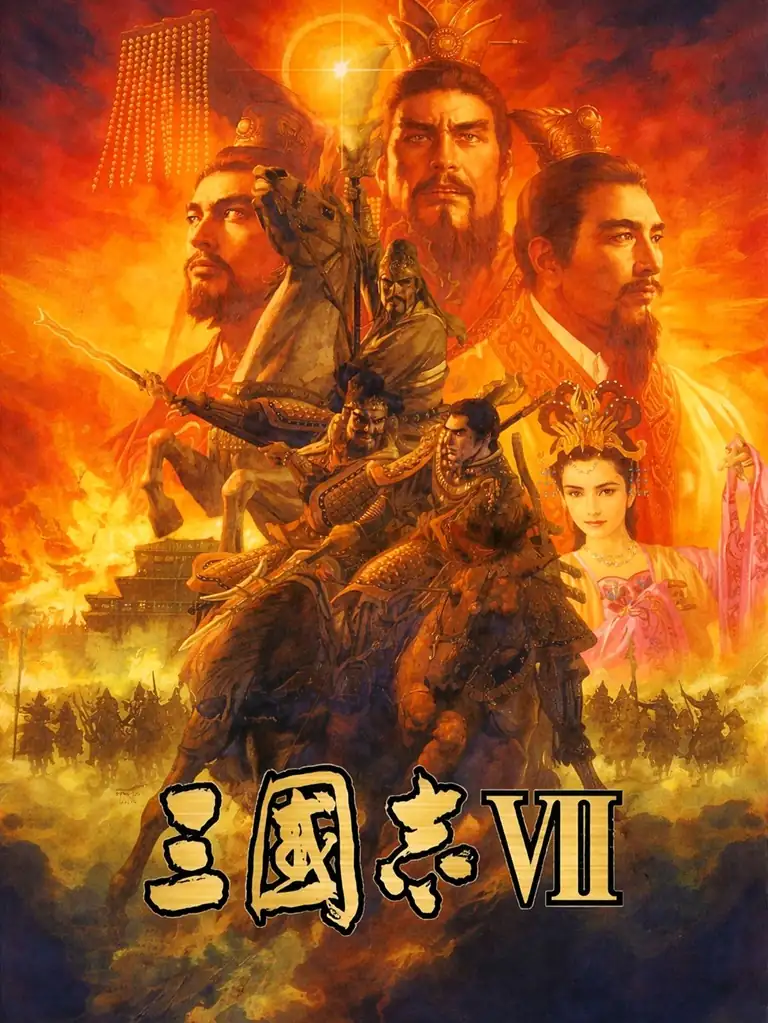
《三國志VII》的魅力在於它把三國亂世寫成“你的履歷表”:你可以扮演一名武將在諸侯麾下立功,也能靠著機會與選擇逐步獨當一面。它不像傳統戰略只看版圖推進,更重視你在勢力中的位置——官職、功績、同僚關係、任務與調度,會讓你感覺自己真的在一個運作中的政權裡“混出名堂”。因此每次開局即使在同一年代,也很容易玩出完全不同的節奏:有人走仕途、有人走軍功、有人專注經營、有人豪賭一戰翻盤。
Upload Save File
Upload save file will orverwrite current progress and restart, do you wish to continue?
Warning
Welcome
Welcome to playing retro Windows games in your browser! To ensure your game saves properly, please exit the game and wait for Windows to shut down completely. Make sure you see the "It is now safe to turn off your computer" message before using the save functions to avoid potential disk corruption.
To save disk changes made by the game, you must manually use the following save functions:
 Save to cloud (Gold member only).
 Save to local browser storage.
 Save and download the save file.
To save disk changes made by the game, you must manually use the following save functions:
Save to cloud (Gold member only). Save to local browser storage. Save and download the save file. Don't show this again.