三國志VI
You are using the Safari browser. Only Safari on the latest macOS Sequoia 15.4.1 or iOS 18.4.1 is supported for proper functionality.
You are using the Firefox browser. Only the latest version of Firefox is supported.
Please enter 'about:config' in the Firefox browser, then search for 'javascript.options.wasm_js_promise_integration', set its value to true, and refresh this page to achieve optimal performance.
Please enter 'about:config' in the Firefox browser, then search for 'javascript.options.wasm_js_promise_integration', set its value to true, and refresh this page to achieve optimal performance.
Please install and use the latest version of Chrome or Edge for the best experience.
Mobile device browsers are not supported due to memory limitation.
Your browser storage quota is low and you may not be able to load the game correctly.
Usage: Available:
Usage: Available:
To help us improve, please disable ad blocker for our site. Start game in seconds.
Become a Gold Member to enjoy an ad-free experience, unlock cloud saving, and help us to improve.
Some animated ads may impact game performance. If the game becomes choppy, please close the ads.
Some animated ads may impact game performance. If the game becomes choppy, please close the ads.
Loading...
🛈Windows games require the latest desktop CPUs for optimal experience. See the help page for more details.
三國志VI (1998)
Romance of the Three Kingdoms VI: Awakening of the Dragon (Japanese)
KOEI

Play
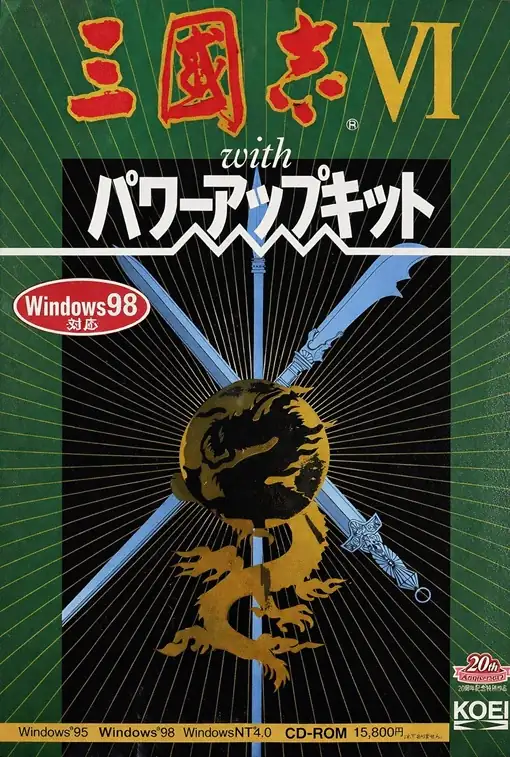
『三國志VI』は、コーエーの歴史シミュレーションシリーズの中でも、転換点として語られることの多い作品です。シリーズ第六作にあたる本作は、正伝シリーズとして初めて Windows を主な出発点とした作品であり、画面構成や操作感、演出面にも新しい時代の空気が色濃く表れています。プレイヤーは後漢末から三国時代にかけての君主となり、内政、人材登用、外交、軍事を進めながら中華統一を目指します。本作を象徴するキーワードは、公式にも強く打ち出されている 「天の時・地の利・人の和」 です。歴史イベントによる劇的な展開が「天の時」、城の立地や農業・交易などの経済条件が「地の利」、そして夢や主義を持つ武将たちの活躍が「人の和」を形作り、戦略全体に厚みを与えています。さらに戦闘では、双方が事前に行動を入力して同時に実行する 「同時プロット制」 が大きな特徴となっており、単純なターンの応酬ではない、先読み重視の駆け引きを楽しめます。シリーズの伝統を保ちながら、新しい表現とシステム性を取り入れた一作として、今でも印象深く語られる作品です。
Upload Save File
Upload save file will orverwrite current progress and restart, do you wish to continue?
Warning
Welcome
Welcome to playing retro Windows games in your browser! To ensure your game saves properly, please exit the game and wait for Windows to shut down completely. Make sure you see the "It is now safe to turn off your computer" message before using the save functions to avoid potential disk corruption.
To save disk changes made by the game, you must manually use the following save functions:
 Save to cloud (Gold member only).
 Save to local browser storage.
 Save and download the save file.
To save disk changes made by the game, you must manually use the following save functions:
Save to cloud (Gold member only). Save to local browser storage. Save and download the save file. Don't show this again.