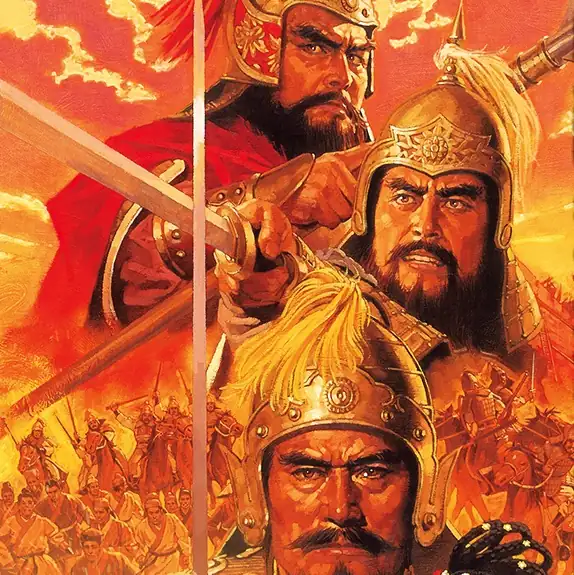
三國志V
You are using the Safari browser. Only Safari on the latest macOS Sequoia 15.4.1 or iOS 18.4.1 is supported for proper functionality.
You are using the Firefox browser. Only the latest version of Firefox is supported.
Please enter 'about:config' in the Firefox browser, then search for 'javascript.options.wasm_js_promise_integration', set its value to true, and refresh this page to achieve optimal performance.
Please enter 'about:config' in the Firefox browser, then search for 'javascript.options.wasm_js_promise_integration', set its value to true, and refresh this page to achieve optimal performance.
Please install and use the latest version of Chrome or Edge for the best experience.
Mobile device browsers are not supported due to memory limitation.
Your browser storage quota is low and you may not be able to load the game correctly.
Usage: Available:
Usage: Available:
To help us improve, please disable ad blocker for our site. Start game in seconds.
Become a Gold Member to enjoy an ad-free experience, unlock cloud saving, and help us to improve.
Some animated ads may impact game performance. If the game becomes choppy, please close the ads.
Some animated ads may impact game performance. If the game becomes choppy, please close the ads.
Loading...
🛈Windows games require the latest desktop CPUs for optimal experience. See the help page for more details.
三國志V (1996)
Romance of the Three Kingdoms V (Japanese)
KOEI

Play
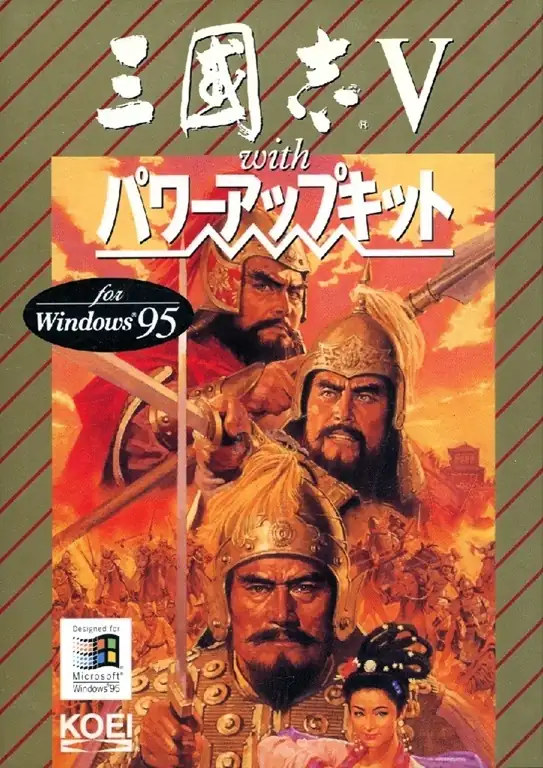
『三國志Ⅴ』は、コーエーの歴史シミュレーションシリーズ初期を代表する名作のひとつであり、シリーズ第五作にあたる作品です。後漢末から三国時代にかけての中国を舞台に、プレイヤーは君主として都市経営、人材登用、内政、外交、軍事を進めながら、中華統一を目指します。本作を特徴づける最大の要素は「名声」で、民衆の支持をどれだけ集められているかによって、君主が毎月実行できる行動回数が変化します。そのため、単に戦争に勝つだけでなく、住民の心をつかむ政治運営そのものが重要な戦略になります。さらに戦闘では全12種類の陣形が導入され、武将ごとの特殊能力もより多彩になったことで、合戦の駆け引きが大きく広がりました。加えて、「黄巾の乱」シナリオの追加によって時代の始まりから遊びやすくなり、のちのWindows版や家庭用移植版ではドラマ『三国演義』の映像演出も使われ、重厚な歴史劇の雰囲気を強く感じられる作品として印象を残しています。
Upload Save File
Upload save file will orverwrite current progress and restart, do you wish to continue?
Warning
Welcome
Welcome to playing retro Windows games in your browser! To ensure your game saves properly, please exit the game and wait for Windows to shut down completely. Make sure you see the "It is now safe to turn off your computer" message before using the save functions to avoid potential disk corruption.
To save disk changes made by the game, you must manually use the following save functions:
 Save to cloud (Gold member only).
 Save to local browser storage.
 Save and download the save file.
To save disk changes made by the game, you must manually use the following save functions:
Save to cloud (Gold member only). Save to local browser storage. Save and download the save file. Don't show this again.