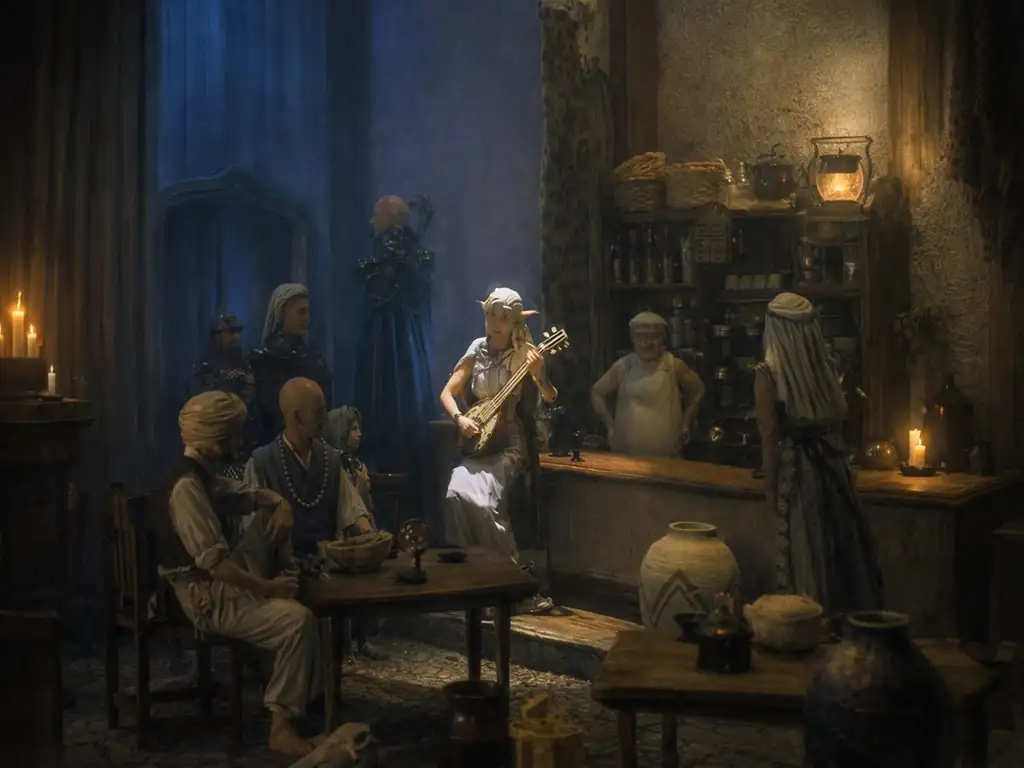
ルナティックドーン 開かれた前途(中国語版)
You are using the Safari browser. Only Safari on the latest macOS Sequoia 15.4.1 or iOS 18.4.1 is supported for proper functionality.
You are using the Firefox browser. Only the latest version of Firefox is supported.
Please enter 'about:config' in the Firefox browser, then search for 'javascript.options.wasm_js_promise_integration', set its value to true, and refresh this page to achieve optimal performance.
Please enter 'about:config' in the Firefox browser, then search for 'javascript.options.wasm_js_promise_integration', set its value to true, and refresh this page to achieve optimal performance.
Please install and use the latest version of Chrome or Edge for the best experience.
Mobile device browsers are not supported due to memory limitation.
Your browser storage quota is low and you may not be able to load the game correctly.
Usage: Available:
Usage: Available:
To help us improve, please disable ad blocker for our site. Start game in seconds.
Become a Gold Member to enjoy an ad-free experience, unlock cloud saving, and help us to improve.
Some animated ads may impact game performance. If the game becomes choppy, please close the ads.
Some animated ads may impact game performance. If the game becomes choppy, please close the ads.
Loading...
🛈Windows games require the latest desktop CPUs for optimal experience. See the help page for more details.
ルナティックドーン 開かれた前途(中国語版) (1998)
Lunatic Dawn: The Book of Futures (Chinese)
Artdink

Play
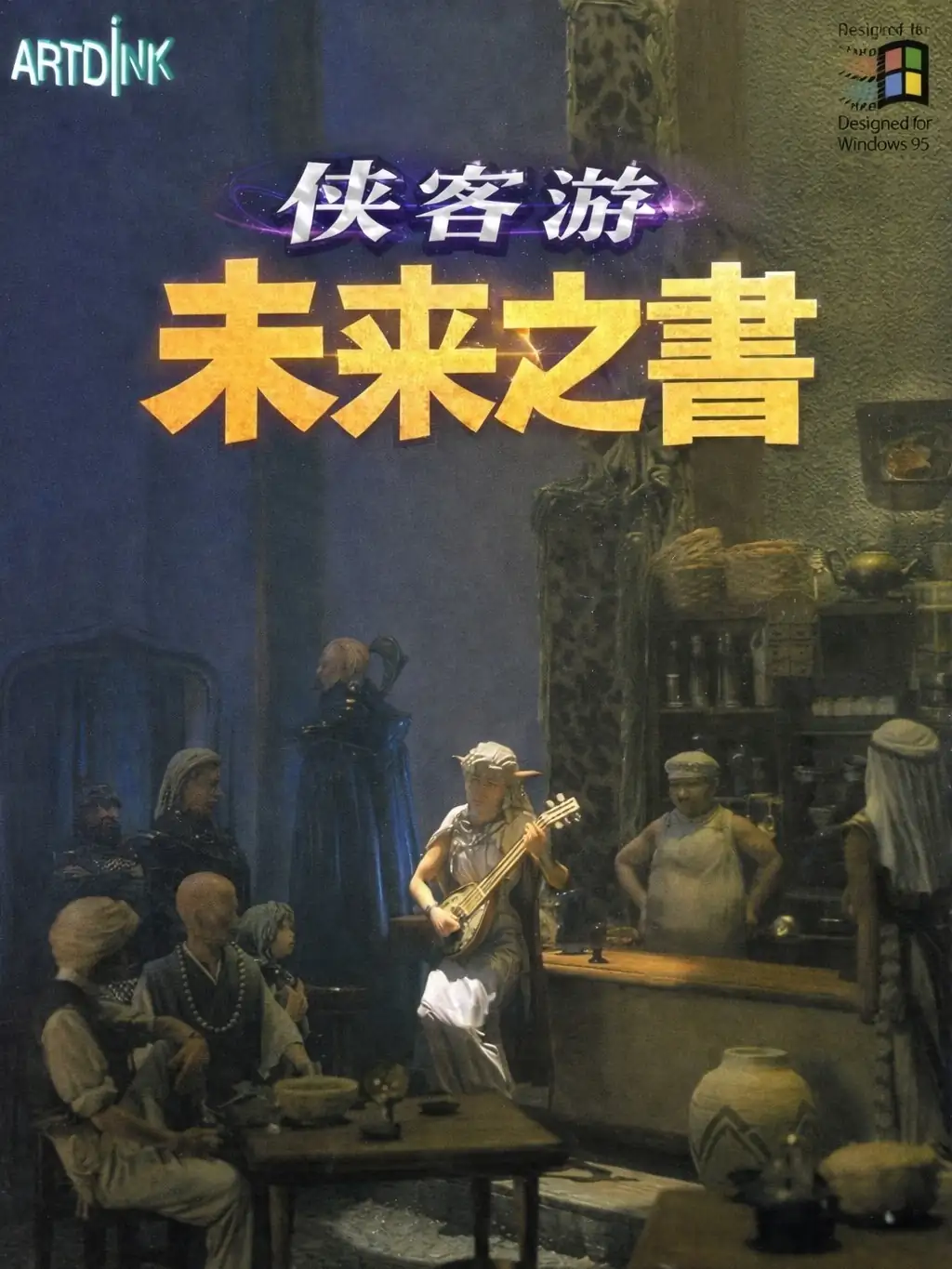
『ルナティックドーン 開かれた前途(The Book of Futures)』は、1995年12月に Windows 向けに発売されたシリーズ作品。大きな特徴は、“物語を追う”よりも“世界の中でどう生きるか”に重心がある点で、旅・依頼・交流の積み重ねがそのまま自分の履歴になっていく。舞台そのものが毎回少しずつ表情を変え、国家や都市の関係性の中でプレイヤーが何を選ぶかが体験の核になる。
遊び方は直感的で、都市間のルートを選んで移動し、街で準備して、ダンジョンや依頼に挑む——という流れで進む。公式の年表でも「Windowsとしての初のルナドン」と位置付けられている。
Upload Save File
Upload save file will orverwrite current progress and restart, do you wish to continue?
Warning
Welcome
Welcome to playing retro Windows games in your browser! To ensure your game saves properly, please exit the game and wait for Windows to shut down completely. Make sure you see the "It is now safe to turn off your computer" message before using the save functions to avoid potential disk corruption.
To save disk changes made by the game, you must manually use the following save functions:
 Save to cloud (Gold member only).
 Save to local browser storage.
 Save and download the save file.
To save disk changes made by the game, you must manually use the following save functions:
Save to cloud (Gold member only). Save to local browser storage. Save and download the save file. Don't show this again.