マイクロソフト カジノ
You are using the Safari browser. Only Safari on the latest macOS Sequoia 15.4.1 or iOS 18.4.1 is supported for proper functionality.
You are using the Firefox browser. Only the latest version of Firefox is supported.
Please enter 'about:config' in the Firefox browser, then search for 'javascript.options.wasm_js_promise_integration', set its value to true, and refresh this page to achieve optimal performance.
Please enter 'about:config' in the Firefox browser, then search for 'javascript.options.wasm_js_promise_integration', set its value to true, and refresh this page to achieve optimal performance.
Please install and use the latest version of Chrome or Edge for the best experience.
Mobile device browsers are not supported due to memory limitation.
Your browser storage quota is low and you may not be able to load the game correctly.
Usage: Available:
Usage: Available:
To help us improve, please disable ad blocker for our site. Start game in seconds.
Become a Gold Member to enjoy an ad-free experience, unlock cloud saving, and help us to improve.
Some animated ads may impact game performance. If the game becomes choppy, please close the ads.
Some animated ads may impact game performance. If the game becomes choppy, please close the ads.
Loading...
🛈Windows games require the latest desktop CPUs for optimal experience. See the help page for more details.
マイクロソフト カジノ (2000)
Microsoft Casino
Glass Eye Entertainment

Play
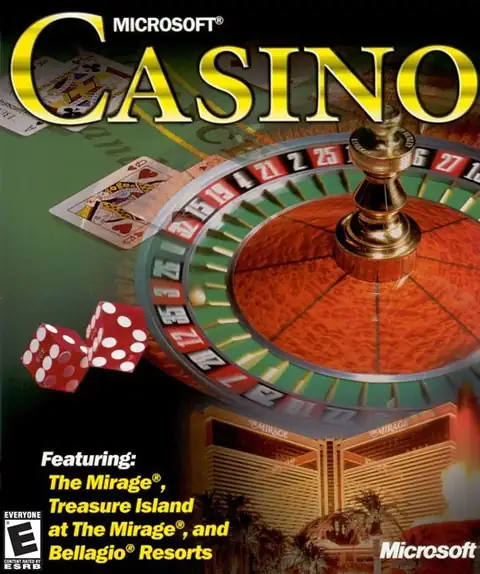
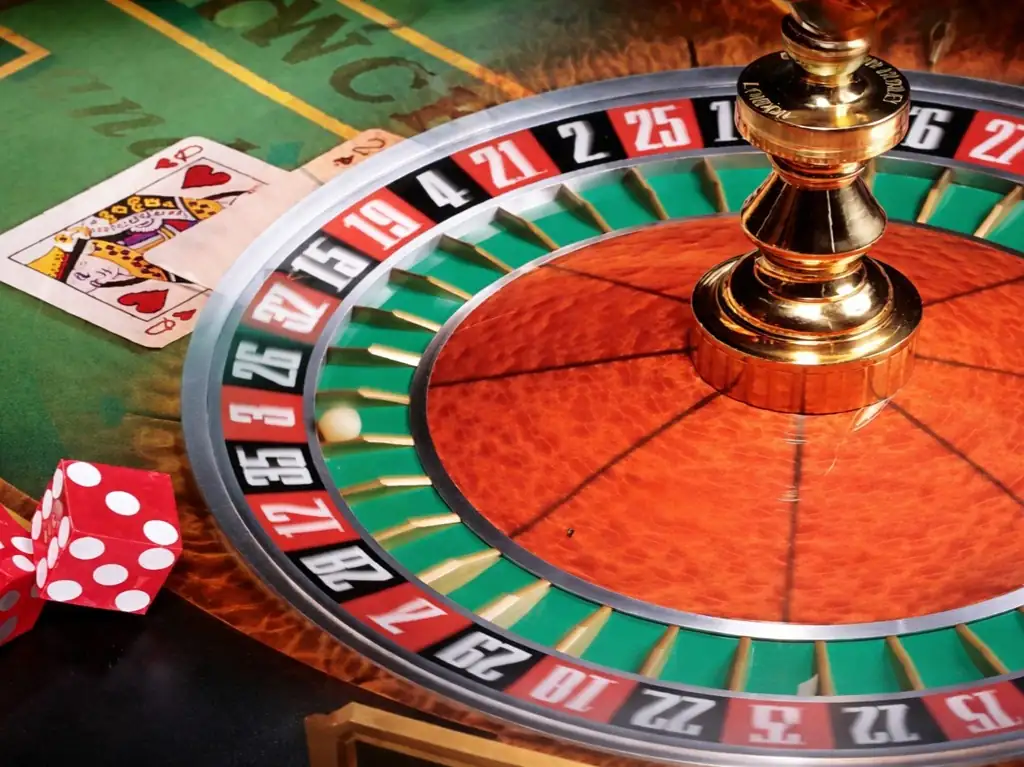
『Microsoft Casino』は、Windows 向けに発売されたカジノシミュレーションゲームで、家庭用 PC 上でラスベガスのカジノ体験を味わえることを大きな魅力とした作品です。公開データベースの説明によれば、ゲーム内では Bellagio、Treasure Island、The Mirage という実在で知られるカジノをモチーフにした舞台が用意されており、その中で 10種類のカジノ風ゲーム を楽しむことができます。本作はストーリー性よりも雰囲気づくりと没入感を重視しており、映像やサウンドによって「自宅で遊べるバーチャル・ベガス」を演出しているのが特徴です。また、AI ギャンブラーを相手にしたトーナメント形式のプレイも可能で、実際のお金を使わずにカジノならではの緊張感や駆け引きを味わえるようになっています。単なるカードゲーム集というより、2000年前後の PC 向けらしい演出重視のカジノ体験ソフトとして見ると、本作の個性が分かりやすいです。
Upload Save File
Upload save file will orverwrite current progress and restart, do you wish to continue?
Warning
Welcome
Welcome to playing retro Windows games in your browser! To ensure your game saves properly, please exit the game and wait for Windows to shut down completely. Make sure you see the "It is now safe to turn off your computer" message before using the save functions to avoid potential disk corruption.
To save disk changes made by the game, you must manually use the following save functions:
 Save to cloud (Gold member only).
 Save to local browser storage.
 Save and download the save file.
To save disk changes made by the game, you must manually use the following save functions:
Save to cloud (Gold member only). Save to local browser storage. Save and download the save file. Don't show this again.